Wednesday, 15 November 2017

Mockumentary Editing Progress: Basic Cuts
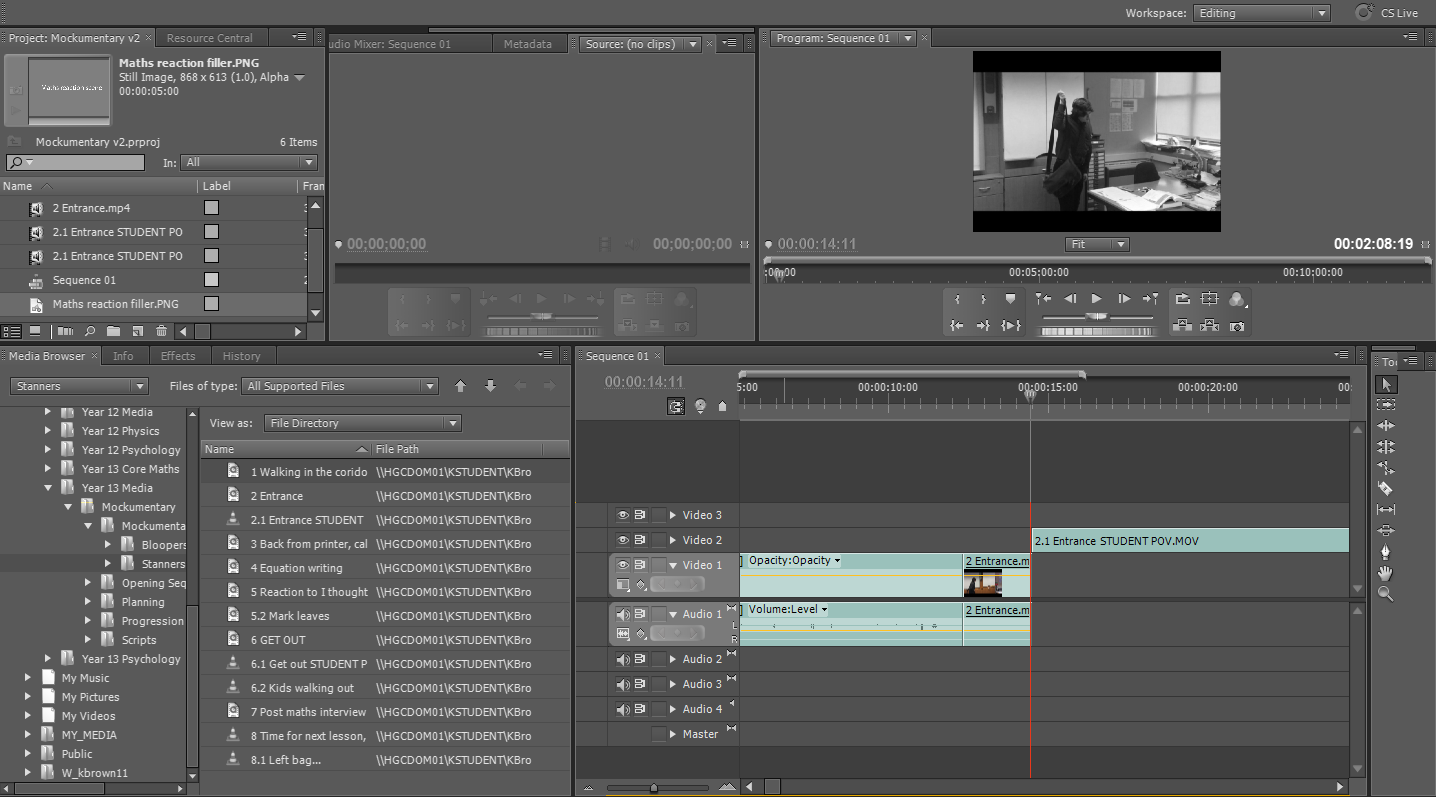
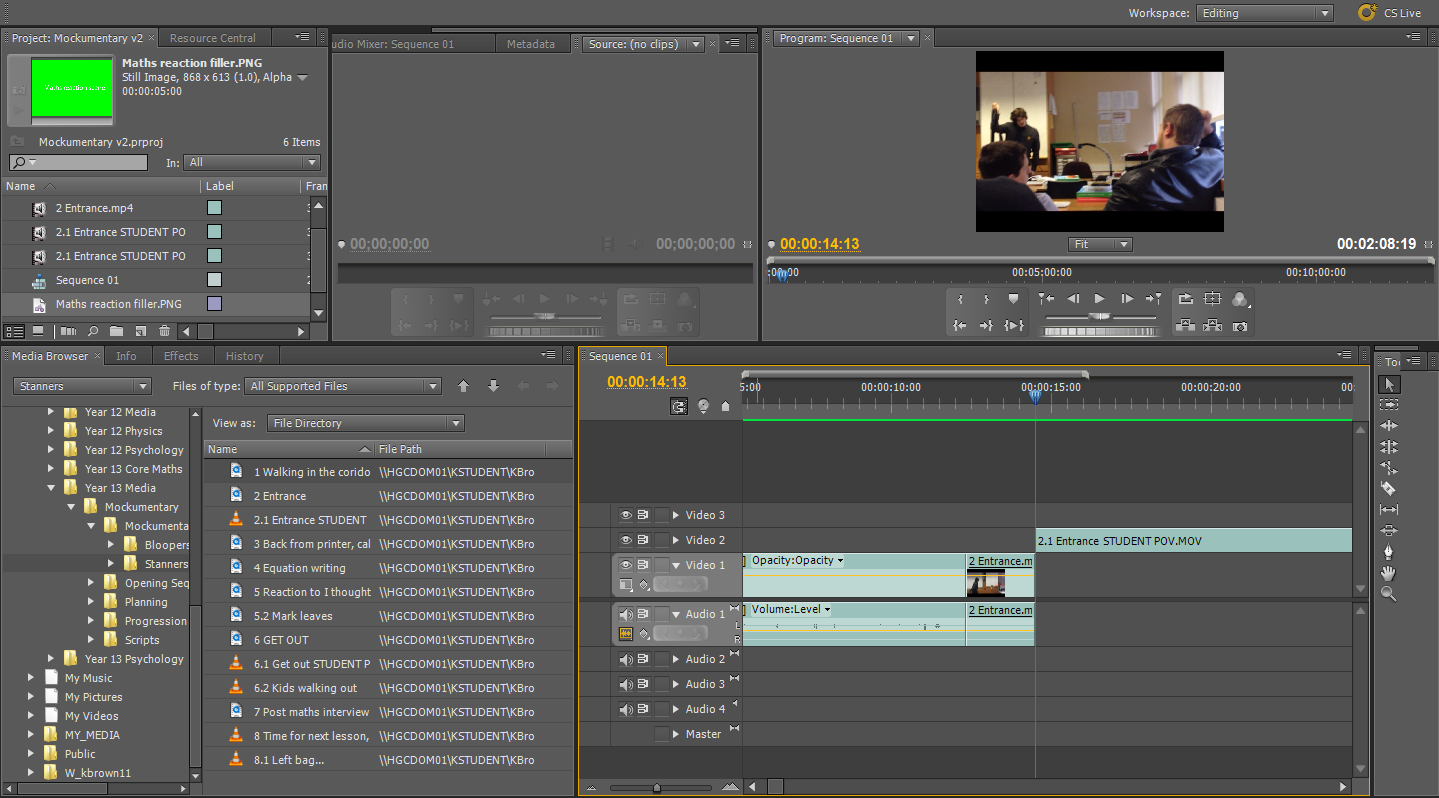
When editing the two pieces of footage to create one video, I ensured that the videos were in sync by counting down before the scene took place. This allows me to have perfect cuts which will not jump between two different frames. I've also decided to use the razor tool to cut between the two videos as this is much more efficient than cropping the video to a specific point and having to insert the same video over and over again.


Tuesday, 14 November 2017
Filming: Going against the 180° Rule
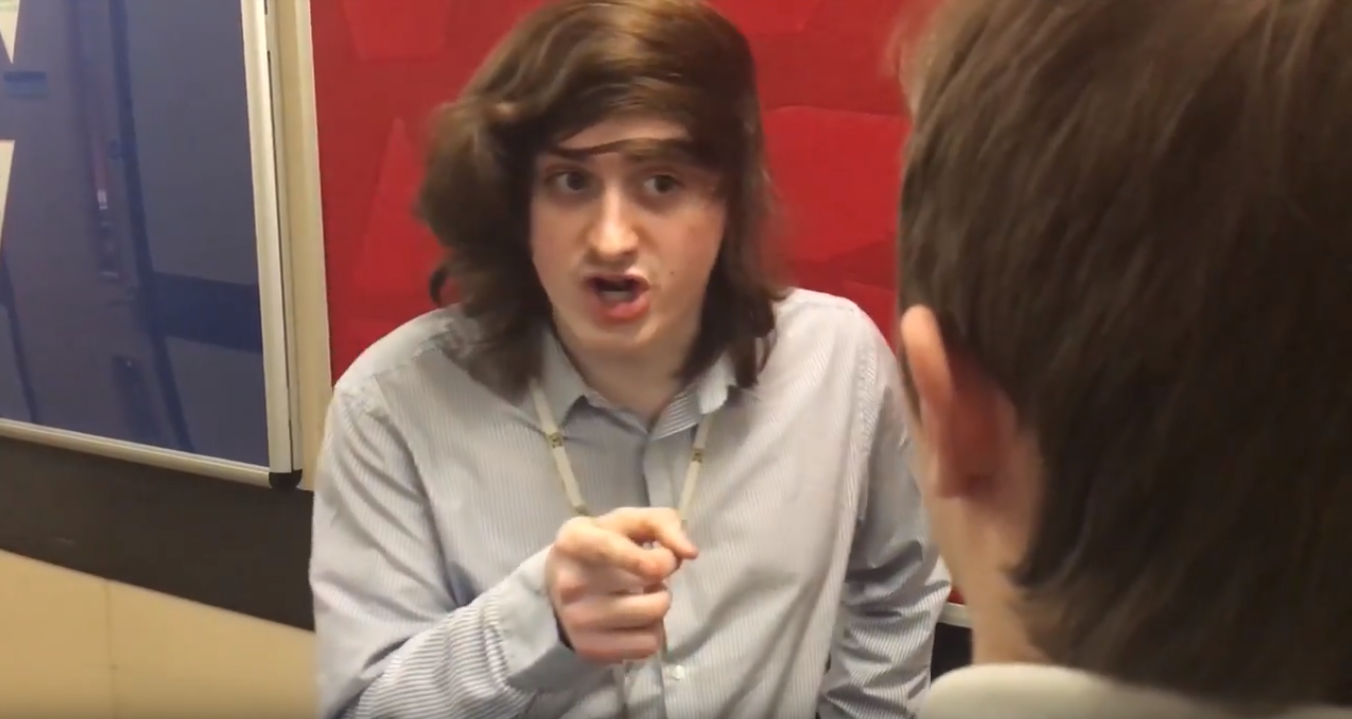
When filming The Supply, I decided to go against the common conventions of the 180 degree rule as this would show that the film-making is amateur. I went ahead and asked my audience if they were aware of this; they told me that I should keep it like this as it adds to the idea that the mockumentary breaks standard film-making techniques.

Monday, 13 November 2017
Mockumentary Editing Progress: Preparing footage for editing


So the first thing I need to do is import the footage in the correct order. I have ordered all of my footage by assigning them a number which will roughly align with my story boards. Once I have all of the footage ordered correctly, I placed it into Premiere and rendered the sequence to see what an unedited version of my mockumentary would look like.
Sunday, 12 November 2017
Sunday, 5 November 2017
Subscribe to:
Posts (Atom)